Record your Mac screen.
Make your Mac the starting point for software walkthroughs, presentations, and step-by-step lessons. Screen recording is at the heart of Tutorial Maker Pro, with editing tools to shape what you capture.
Screen recording built around your Apple workflow. Capture your Mac, then turn your recording into a clear, engaging tutorial. Connected iPhone and iPad screen recording is planned, bringing mobile demonstrations into the same Mac editing workspace.
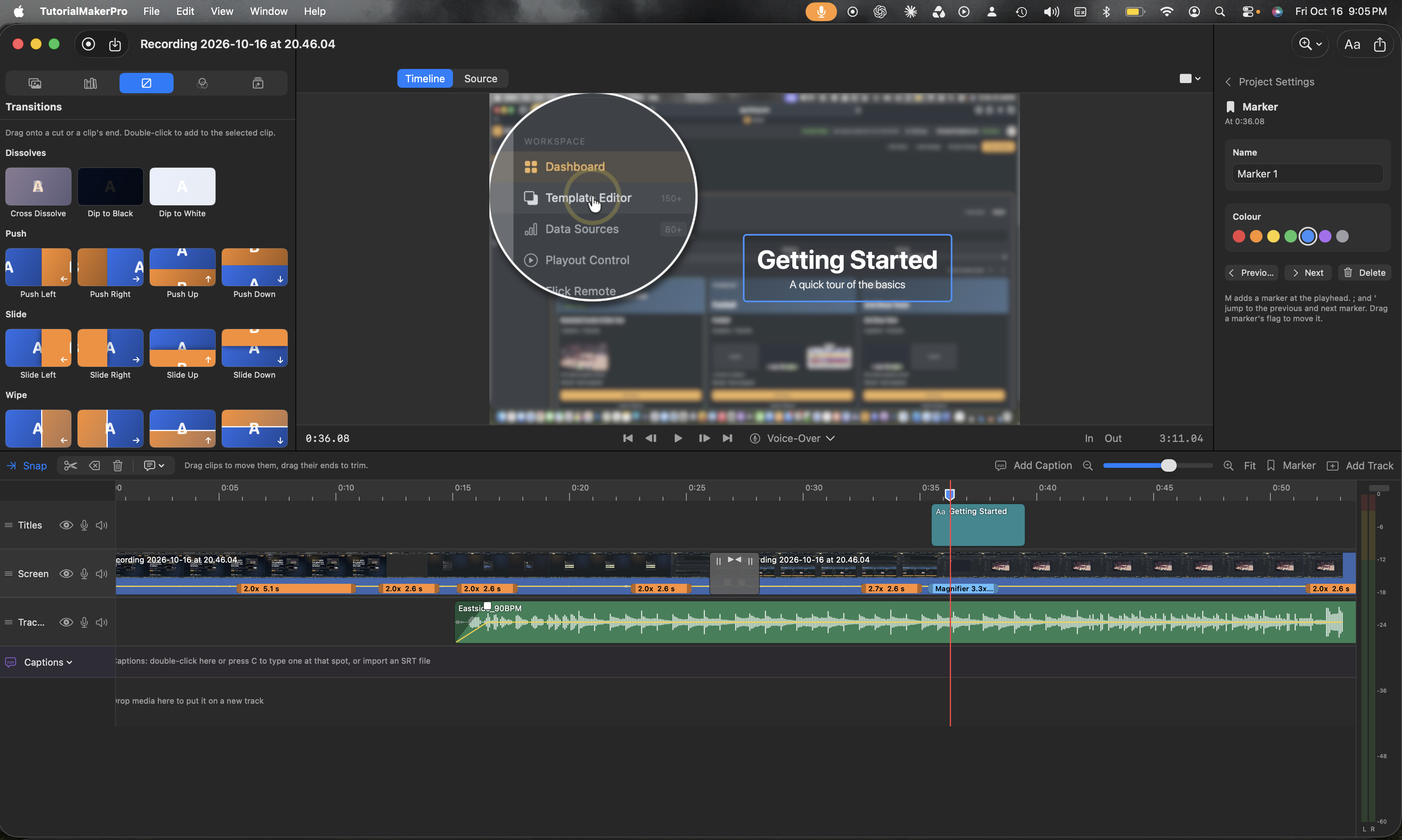
Show a desktop workflow, demonstrate a mobile app, or walk through a tablet-based lesson. Tutorial Maker Pro is being built to bring Apple screen recordings into one recording and editing workflow on your Mac.
Make your Mac the starting point for software walkthroughs, presentations, and step-by-step lessons. Screen recording is at the heart of Tutorial Maker Pro, with editing tools to shape what you capture.
Demonstrate mobile apps and explain iPhone workflows. Planned wired capture will record a connected iPhone’s screen through the Mac app, with the footage available to edit alongside your other recordings.
Walk viewers through iPad apps, creative processes, and tablet-based lessons. Planned wired capture will bring a connected iPad’s screen into your Mac workflow. iPhone and iPad recording availability and supported devices will be confirmed before release.
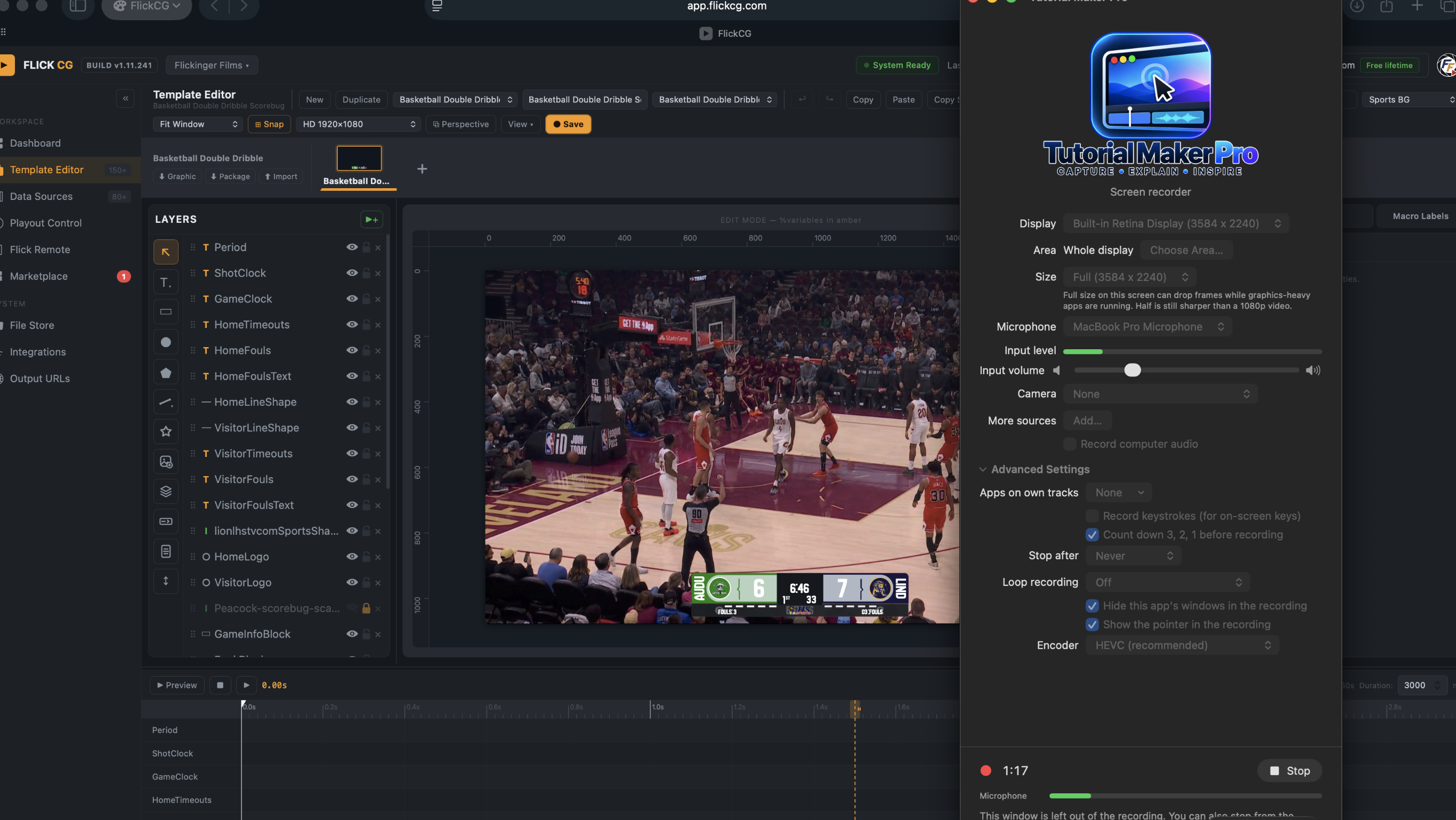
Capture the steps behind your work, then turn your recording into a tutorial your audience can follow. Here’s a look at Tutorial Maker Pro’s screen recorder during a Mac recording session.
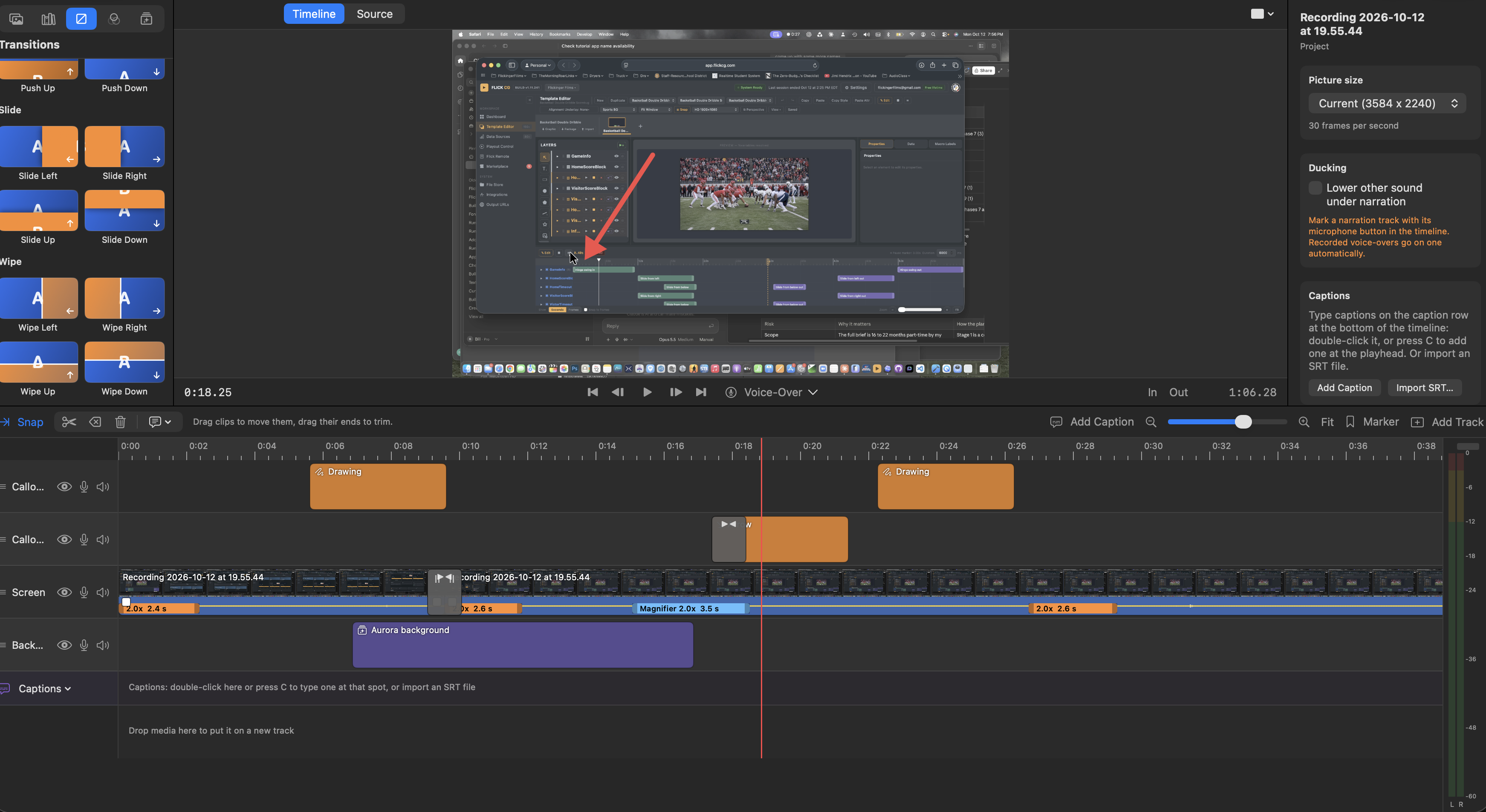
A well-placed arrow or a closer look can make a complicated step easier to follow. Build your lesson around what your viewer needs to see.
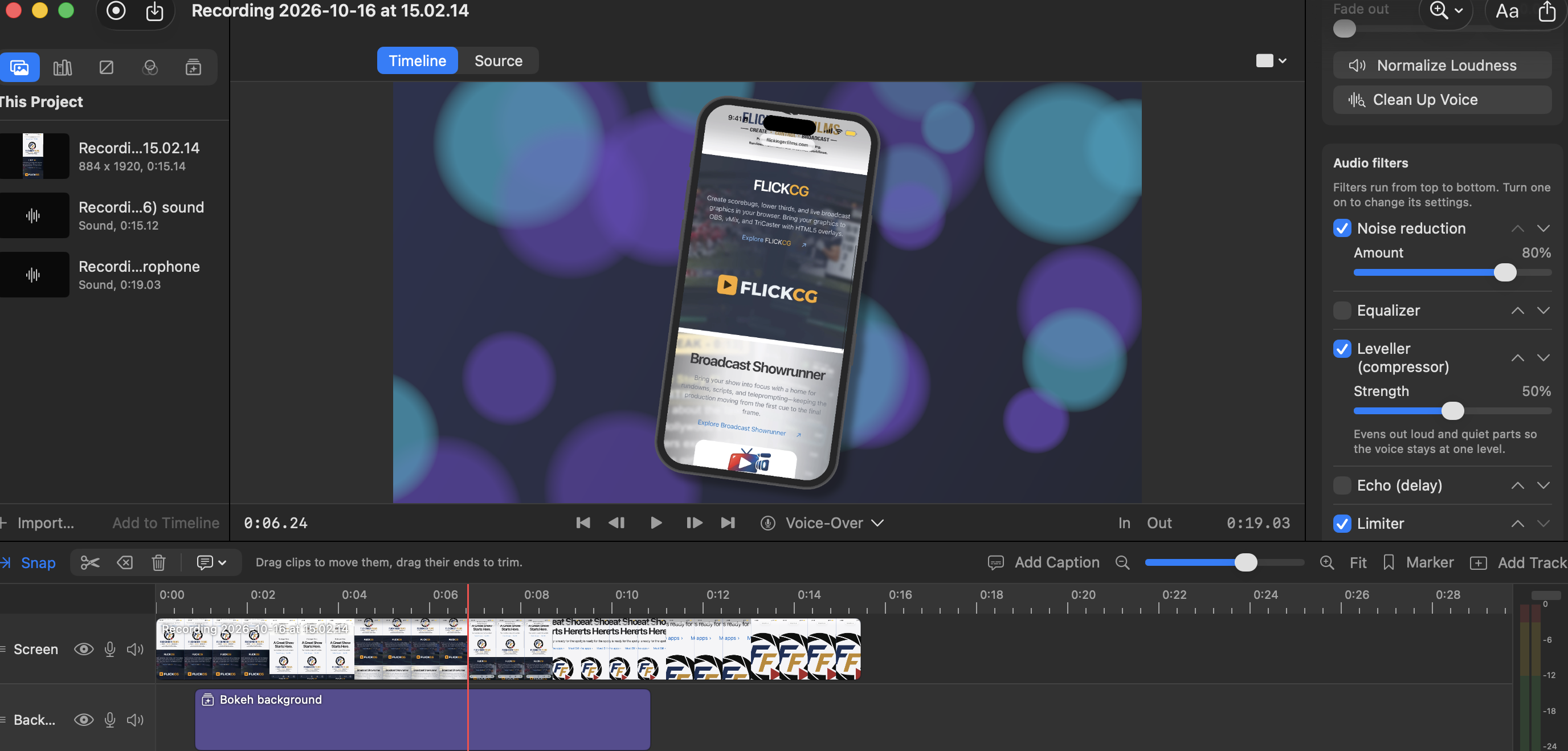
Bring narration, recorded sound, and visual presentation together. Explore the audio controls shown in this development preview.